Healthy Diet Application Mobile UI KIT
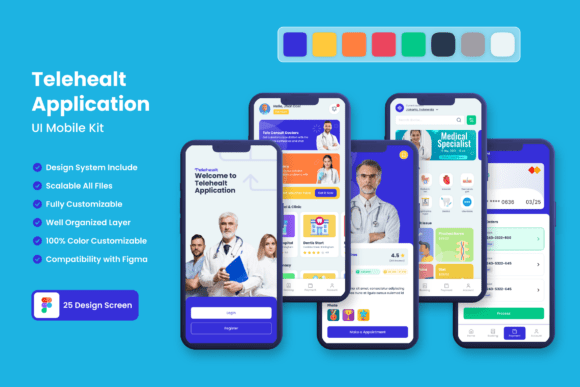
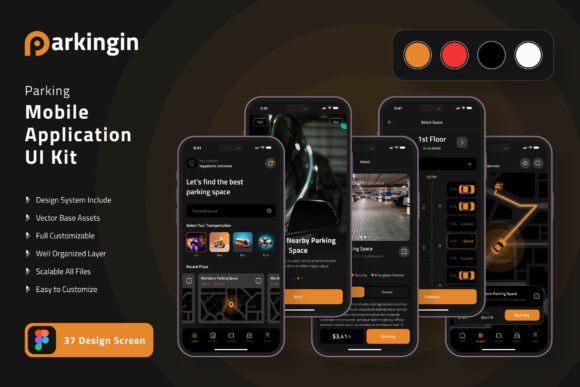
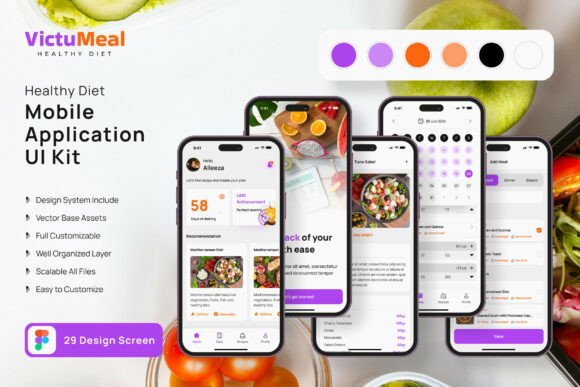
Bringing a health-focused app idea to life shouldn't require starting from scratch, and a comprehensive design toolkit can be the perfect foundation. The Healthy Diet Application Mobile UI KIT offers exactly that—a curated collection of 29 high-quality templates designed to jumpstart your mobile application development. This resource is built for designers and developers who value efficiency without compromising on polish, providing a flexible framework that can be tailored to a wide range of wellness and fitness concepts.
This isn't just a static set of screens. It's a fully editable design system crafted in Figma, featuring over 80 UI elements, 100% vector layers, and symbol objects for easy global updates. The kit includes free fonts and icon vectors, ensuring you have everything needed to create a cohesive and professional interface. Because every component is scalable and organized, you can easily add, remove, or modify elements to perfectly match your application's unique requirements and brand identity.
Where This UI Kit Shines
The practical applications for a resource like this are vast, particularly within the health, wellness, and productivity sectors. Consider these common scenarios where such a design asset proves invaluable:
- Rapid Prototyping: Quickly mock up user flows for meal planners, calorie counters, or hydration trackers to validate concepts with stakeholders or test with users.
- Startup MVPs: Founders can leverage the pre-designed screens to build a minimum viable product with a clean, modern aesthetic, saving crucial time and resources in the early stages.
- Client Projects: Freelance designers and agencies can use the kit as a robust starting point, customizing it to deliver polished, client-specific solutions efficiently.
- Personal Projects: If you're building an app for your own fitness journey or a community group, this kit provides a professional-grade foundation to build upon.
Making the Most of Your Design Assets
To maximize the value of any premium design template, a thoughtful approach is key. Start by reviewing the entire kit to understand the available components and visual language. This helps in planning your app's information architecture. Next, focus on customization. The true power of a fully editable kit lies in its adaptability—change the color palette to align with your brand, swap in your own typography for headings or body text, and reorganize layouts to serve your specific content hierarchy.
Remember that great design is about more than just aesthetics; it's about function. Ensure that any modifications you make maintain the usability and clarity of the original interface. Test your customized designs for readability and intuitive navigation. The kit's use of clean sans serif font styles and modern typography principles provides a solid base that prioritizes user experience, which is critical for any application's success.
Choosing the right design toolkit is about finding a balance between inspiration and practicality. A well-structured resource like this allows you to focus your creative energy on solving the unique problems of your project rather than reinventing fundamental UI patterns. It serves as both a time-saver and a quality benchmark, helping you achieve a consistent, professional presentation that builds trust with your audience. Ultimately, the goal is to create an application that not only looks polished but also feels intuitive and engaging to use, and a versatile UI kit is a powerful step in that direction.