Business Webinar Social Media Post Templates
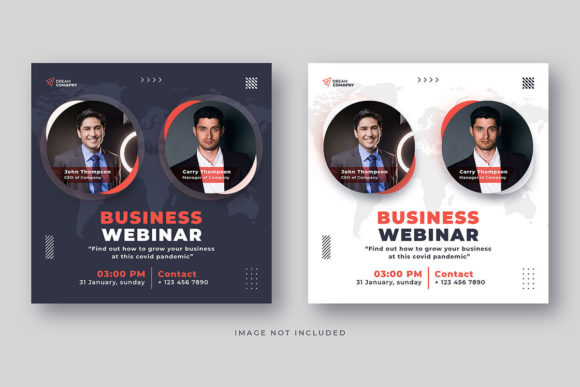
Capturing attention on a crowded Instagram feed is the first step to a successful digital marketing event. A well-designed Business Webinar Social Media Post serves as the visual handshake, instantly communicating professionalism, relevance, and value to your target audience. This carefully crafted template bundle is built for creators and marketers who need to promote their online events with clarity and style.
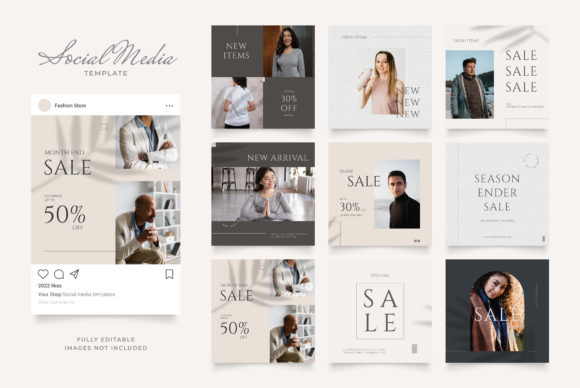
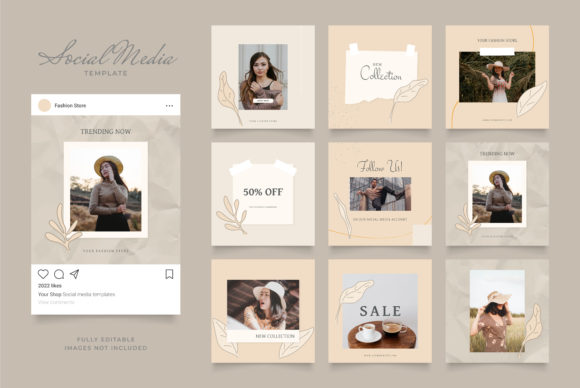
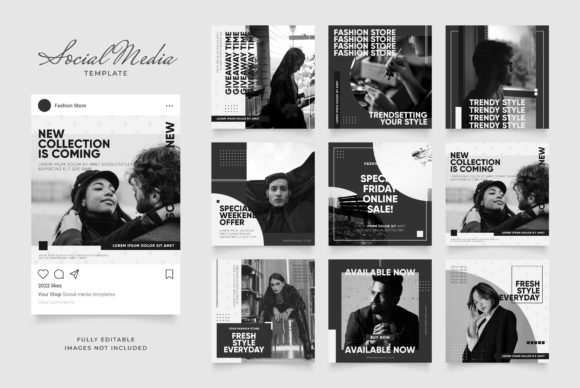
This package provides two distinct Instagram post banners, each optimized for the platform’s square 1080×1080 pixel format at 72 dpi. The design is intentionally structured for maximum editability. Every element, from the background color blocks and text fields to the placeholder images and decorative shapes, exists on its own layer within the Photoshop file. You can swap out photos with your own using the integrated smart objects, change any font to match your brand guidelines, and adjust the color palette to fit your campaign’s aesthetic in just a few clicks.
Why This Template Matters for Your Brand
In digital marketing, consistency is key. Using a cohesive visual language across your webinar promotions helps build brand recognition and trust. This template acts as a starting point for a polished brand identity, ensuring your social media graphics look intentional and professional. The clean, modern typography provides a strong foundation that works for a variety of topics, from tech startups to creative workshops.
Creative Applications and Design Flexibility
While its primary function is for event promotion, the design’s versatility extends far beyond a single post. Consider these practical use cases:
- Social Media Campaigns: Use the templates to create a series of posts announcing the webinar, introducing speakers, and sharing key takeaways.
- Digital Marketing Assets: Adapt the layouts for Facebook event covers, LinkedIn banners, or email newsletter headers to maintain visual consistency across all channels.
- Presentation Slides: Extract design elements like the color scheme and font pairings to create slide decks that match your promotional materials.
- Brand Collateral: The design principles can inspire other assets, such as digital invitations, speaker bios, or post-webinar summary graphics.
Tips for Choosing and Using Your Design Assets
When selecting any design asset, including font pairings for your project, keep these considerations in mind to ensure a professional result:
- Readability is Paramount: Always test how your chosen typeface looks at the size it will be displayed. A stylish script font may be beautiful in a headline but illegible for body text.
- Match the Mood: The font’s personality should align with your event’s tone. A bold, geometric sans-serif font feels modern and authoritative, while a classic serif font can convey tradition and reliability.
- Test Font Pairings: Good typography often involves combining a display font for headlines with a simpler sans-serif or serif font for body copy. Ensure they complement rather than compete.
- Review Licensing: Always verify that the font license covers your intended use, especially for commercial projects like client work or merchandise.
Investing time in selecting the right design components pays off. A thoughtfully chosen typeface and a well-structured template do more than just look good—they enhance your message, improve audience engagement, and position your brand as credible and detail-oriented. By starting with a fully editable and organized foundation, you empower yourself to produce consistent, high-quality visual content that supports your marketing goals effectively.